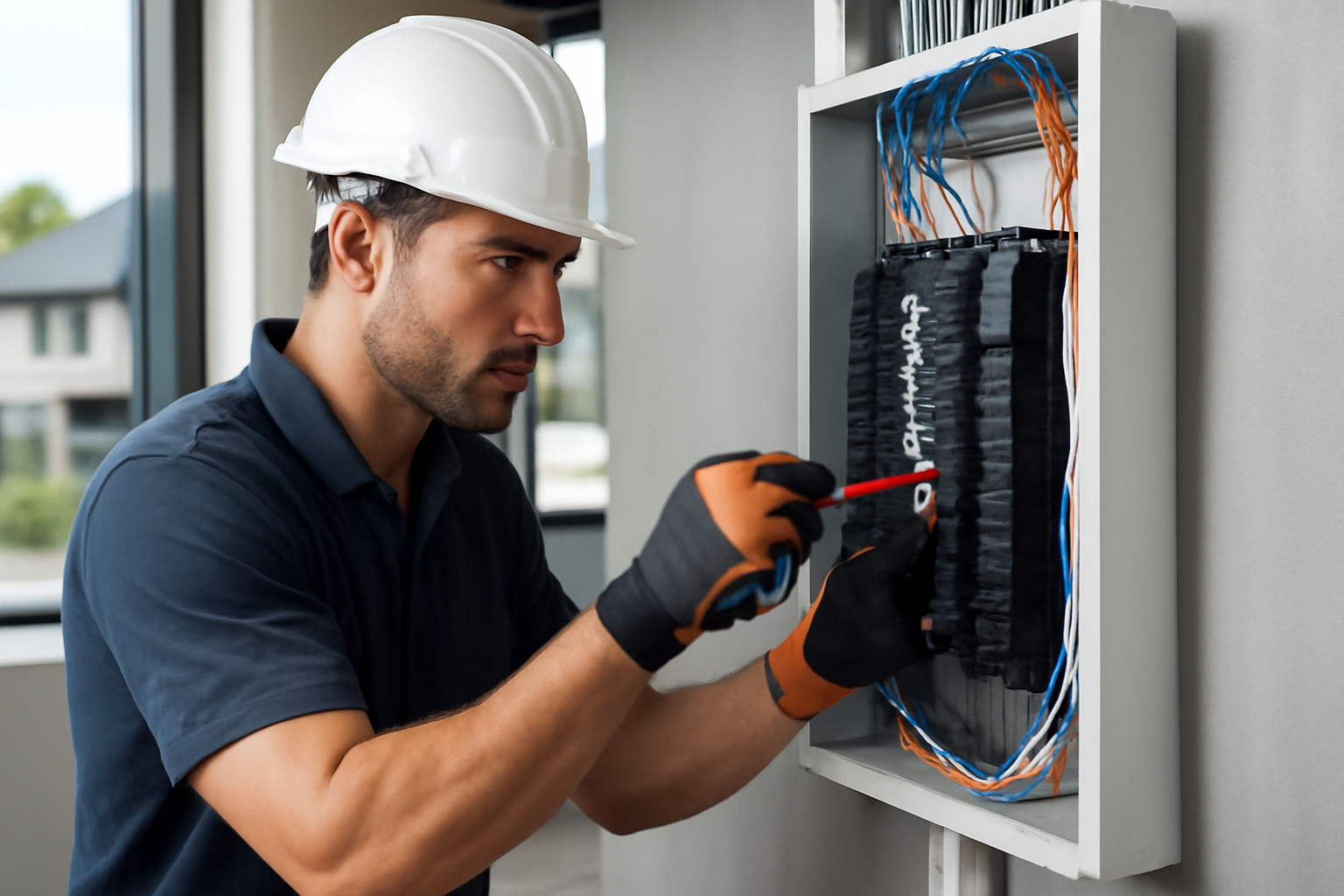
Surge Protection in Nashville, TN: A Local Install Guide
Why surge protection matters in Nashville (not just “nice to have”)
Nashville’s power quality challenges are real: fast-moving thunderstorms, lightning, tree-related outages, and frequent utility switching events can all create voltage spikes that damage electronics and shorten the life of HVAC systems, refrigerators, computers, and sensitive commercial equipment.
Local factors that raise surge risk in Middle Tennessee:
- Thunderstorm season and lightning: Spring and summer storms around Davidson County can trigger large, sudden surges.
- Wind + trees = utility events: In neighborhoods like East Nashville, Donelson, Inglewood, and along older, tree-lined streets in Belle Meade or Sylvan Park, limbs can contact lines and cause momentary faults that create spikes.
- Grid switching and restoration: When NES (Nashville Electric Service) restores power after an outage, the “back on” event can be a surge moment for your panel.
- More sensitive loads: Smart TVs, EV chargers, smart panels, network gear, security systems, and variable-speed HVAC controls are more surge-sensitive than older appliances.
Surge protection is best approached as a system, not a single gadget. This guide focuses on a practical, install-focused plan for Nashville homes and businesses—what to install, where to install it, and what to check so it actually works.
---
The practical approach: layered surge protection (what works best)
A single point-of-use surge strip can help, but it’s rarely enough in Nashville storm conditions. The most reliable strategy is layered surge protection:
Layer 1: Whole-home / whole-building surge protective device (SPD)
Installed at your main electrical panel (or service equipment), a whole-home/whole-building SPD helps clamp surges before they travel through branch circuits.
Best for:
- HVAC and major appliances
- Hardwired loads (ranges, water heaters, well pumps)
- Whole-building protection for offices, retail, restaurants, churches, and light industrial spaces
Layer 2: Point-of-use protection at sensitive equipment
Add surge protection at the device level for:
- Computers, POS systems, servers
- Home theater gear
- Medical equipment (where applicable)
- Network racks, modems/routers, smart home hubs
Layer 3: Protect signal lines too (often overlooked)
A surprising number of “surge failures” enter through:
- Cable/Internet coax
- Ethernet runs between buildings
- Phone lines (if present)
- Gate operators / security camera cabling
A complete plan protects power and data lines and ties bonding/grounding together correctly.
---
Step-by-step: how to set up surge protection for a Nashville home
Use this as a homeowner checklist before you buy equipment or schedule installation.
1) Identify your electrical service and panel setup
In Nashville, you’ll commonly see:
- 200A service in many renovated homes and newer builds
- 100A–150A in older homes (often in 12 South, parts of Green Hills, Berry Hill, Madison) that have been partially updated
- Subpanels for additions, garages, DADUs, or finished basements
Action items:
- Find your main panel location and note the brand/model.
- Determine if you have a main disconnect at the panel or outside.
- Check if there’s a subpanel (surge protection strategy may include both).
2) Confirm grounding and bonding are solid (surge protection depends on this)
A whole-home SPD can’t perform well without a proper grounding/bonding system.
Practical checks (don’t DIY inside the panel—just observe what you can safely see):
- Is there a visible grounding electrode conductor (GEC) leaving the panel/service equipment?
- Do you have ground rods (often near the meter/service) and/or bonding to metallic water piping (where applicable)?
- Any signs of corrosion, loose clamps, or cut/modified grounding wires?
In Nashville’s humid climate and older crawlspaces, corrosion and “creative” past repairs are common. Fixing grounding issues is often the difference between ‘surge protection installed’ and ‘surge protection effective.’
3) Choose the right whole-home SPD type and ratings
Not all SPDs are equal. For a typical Nashville residence:
- Look for a Type 1 or Type 2 SPD listed for service/panel use.
- Ensure it’s compatible with your panel configuration (most commonly 120/240V single-phase).
- Prefer SPDs with clear status indicators (lights) and ideally audible/remote monitoring for higher-end setups.
Key practical specs to discuss with your electrician:
- Surge current capacity (kA rating): higher is generally better for lightning-prone areas.
- VPR (Voltage Protection Rating): lower can mean tighter clamping.
- Modes of protection: L-N, L-G, N-G.
- Warranty/connected equipment policy (varies widely; read fine print).
4) Placement matters: keep leads short
A common install mistake is long conductor leads, which reduce SPD performance.
Actionable install guidance (for a licensed electrician):
- Mount the SPD as close as physically possible to the breaker positions or service lugs it connects to.
- Avoid long, looping conductors.
5) Add point-of-use protection where it counts
Prioritize:
- Home office (router, modem, computer, printer)
- Living room/home theater
- Garage (EV charger control equipment, tools)
- Any high-end appliance with electronic controls
Tip for Nashville remote workers: a surge event that doesn’t “kill” a laptop can still degrade a modem/router. If you’ve had unexplained internet dropouts after storms, upgrade point-of-use protection and consider a UPS for networking equipment.
6) Don’t forget coax and network protection
If you have:
- Cable internet/coax entering the home
- A structured wiring panel
- Outdoor cameras with PoE
Ask about:
- Coax surge protection at the service entry (with correct bonding)
- Ethernet surge protection for outdoor runs or detached buildings
7) Verify permits and code requirements in Davidson County
Electrical work in Metro Nashville/Davidson County often requires permitting depending on the scope. A licensed electrician should confirm when a permit is needed and ensure the installation aligns with the adopted electrical code requirements.
Practical takeaway: Don’t treat surge protection as “just add a device.” If the work involves panel modifications, service equipment, or grounding/bonding corrections, it should be handled to code and coordinated appropriately.
---
Surge protection for Nashville businesses: what to protect first
Commercial spaces often have more “hidden” surge-sensitive gear than homes.
High-priority systems (protect these early)
- POS terminals and card readers
- Network switches, Wi‑Fi access points, and modem/firewall
- Security systems (DVR/NVR, cameras, access control)
- Refrigeration controls (restaurants, markets)
- VFDs and motor controls (light industrial, HVAC)
- LED lighting drivers (especially in large retrofits)
Practical plan for a Nashville retail/office space
1. Install a whole-building SPD at the main service/panel.
2. Add SPDs at critical subpanels (kitchen equipment, server closet, signage).
3. Protect data lines and ensure the telecom system is properly bonded.
4. Add UPS (battery backup) for POS and network so a brief outage doesn’t become a full restart event.
Special Nashville notes: signage and rooftop equipment
In corridors like Charlotte Pike, Gallatin Pike, and Murfreesboro Pike, businesses often have:
- Rooftop HVAC units
- Exterior signage
- Parking lot lighting
These long runs and outdoor exposures can increase transient risk. An electrician can evaluate whether additional SPDs at equipment disconnects or subpanels make sense.
---
Warning signs you need surge protection (or your current setup isn’t working)
After Nashville storms or outages, watch for these concrete clues:
- GFCI/AFCI devices trip repeatedly after a storm event
- Smart TVs, routers, or streaming devices suddenly become unreliable
- LED bulbs or fixtures fail early (especially after flickers)
- HVAC thermostat or control board “mysteriously” fails
- Burn marks on receptacles, surge strips, or power bricks
- Frequent flicker when NES power is restored or during windy weather
If you’re in an older home in Germantown, Wedgewood-Houston, or parts of Crieve Hall, and the electrical system has been updated in stages over decades, it’s especially important to confirm grounding/bonding quality before relying on any SPD.
---
Whole-home SPD vs surge strips vs UPS: what to use (and when)
Here’s a practical comparison for Nashville properties.
| Solution | What it protects | Best use cases | Limitations |
| Whole-home/whole-building SPD | Entire electrical system (broad protection) | Lightning-prone areas, HVAC/appliances, commercial panels | Not a substitute for point-of-use; needs good grounding |
| Point-of-use surge strip | Individual devices | TVs, computers, office gear | Cheap units may fail silently; limited for big surges |
| UPS (battery backup) | Battery + surge suppression | Modems/routers, computers, POS | Not designed to protect whole building; batteries wear out |
Actionable recommendation:
- Homes: Whole-home SPD + surge strips for electronics + UPS for modem/router.
- Businesses: Whole-building SPD + UPS for POS/network + targeted protection for controls (HVAC/VFDs).
---
NES coordination and service considerations (what Nashville owners should know)
Surge protection is installed on the customer side of the electrical system. However, in some scenarios your electrician may need to coordinate timing or access considerations related to the service equipment.
Practical tips:
- Plan the install when downtime is acceptable (especially for businesses).
- If you’ve had repeated outages or unusual voltage events, document dates/times—your electrician can use that context when advising on protection strategies.
---
Local installation tips for common Nashville property types
Older homes with mixed upgrades (East Nashville, Sylvan Park, 12 South)
Common realities:
- Multiple remodel phases
- Subpanels added for additions
- Older grounding systems that may need correction
Action plan:
- Verify grounding/bonding first.
- Install a whole-home SPD at the main panel.
- Consider SPDs at key subpanels if they feed sensitive loads.
Newer builds and tall-skinny homes (The Nations, parts of West Nashville)
Common realities:
- High electronics density
- EV chargers, smart home systems
- Multiple panels/subpanels
Action plan:
- Whole-home SPD at main + targeted SPDs at subpanels.
- UPS for networking closet; protect low-voltage systems.
Small businesses in mixed-use buildings (Downtown, Germantown, Wedgewood-Houston)
Common realities:
- Shared utility rooms
- High reliance on internet/POS
- Tight operating hours
Action plan:
- Whole-building SPD + UPS for POS and network.
- Confirm bonding for telecom/cable entry.
---
Maintenance: how to know your surge protector is still protecting you
SPDs don’t last forever. Each surge event can degrade components.
Actionable maintenance steps:
- Check indicator lights on the whole-home SPD monthly (and after major storms).
- Replace point-of-use surge strips if:
- They’ve taken a known hit (storm/outage event)
- The “protected” light is off
- For businesses, add surge protection status checks to your facility maintenance routine.
Tip: If you can’t easily see the SPD indicator because it’s inside a closet or behind storage (common in Nashville basements and utility rooms), reorganize so it’s accessible.
---
Pricing ranges (Nashville) for surge protection installs
While every property is different, Nashville owners often ask what to expect. Here are typical ranges for professional installation (equipment + labor may vary by panel type, access, grounding corrections, and scope):
- Whole-home SPD installation (standard panel): approximately $350–$900
- Whole-building SPD for small commercial panels: approximately $600–$1,800+
- Grounding/bonding corrections (if needed): approximately $250–$2,000+ depending on complexity
- Point-of-use protection/UPS setup (per location): approximately $75–$600+ depending on device class and load
These are not “one-size-fits-all.” The most accurate approach is an on-site evaluation—especially in older Nashville housing stock where panel condition and grounding can vary dramatically.
---
DIY pitfalls Nashville owners should avoid
- Assuming a power strip = whole-home protection
- Ignoring grounding/bonding issues (SPDs can’t clamp effectively without a proper path)
- Installing the SPD with long lead lengths (performance drops)
- Forgetting coax/data line protection
- Overlooking subpanels in additions/garages
- Using unlabeled/low-quality surge strips for expensive electronics
If you’re not fully comfortable working around service equipment, don’t open panels. Surge protection is one of those upgrades where professional installation isn’t just convenience—it’s safety.
---
Quick checklist: the “Nashville-ready” surge protection plan
- Whole-home/whole-building SPD at the main panel/service equipment
- Grounding/bonding verified and corrected as needed
- Point-of-use protection for electronics and office gear
- UPS for modem/router (and POS/network for businesses)
- Coax/Ethernet protection where lines enter or run outdoors
- Indicator checks after big storms and outages
---
Schedule surge protection with Evolution Electric (Nashville, TN)
If you want real protection—not just a gadget—Evolution Electric can design and install a surge protection plan tailored to your Nashville home or business, coordinate best practices for NES service conditions, and ensure the work aligns with Davidson County requirements.
Call Evolution Electric at (615) 961 5930 to schedule a surge protection assessment and installation in Nashville, Tennessee.
Evolution Electric Team
IBEW Certified Electricians | Licensed by State of Tennessee
With over a decade serving Nashville homeowners and businesses, our team of licensed, IBEW-certified electricians brings expert knowledge and hands-on experience to every project. We're committed to electrical safety, code compliance, and customer education.
Need Professional Electrical Help?
Evolution Electric serves Nashville and surrounding counties with licensed, IBEW-certified electricians. Get your free quote today.